
Organised for you
Movie and TV folders become a library with posters, descriptions, cast, seasons and episodes. Pages update by themselves when new media arrives.
Free and open source
Reelhouse turns your media folders into a library with posters, descriptions and cast, and plays it in any browser, on Android phones and TV boxes, and in Kodi. It runs on your own computer: no cloud accounts, no subscriptions, no paywalled features.
For Windows, Linux and Docker. MIT licence.
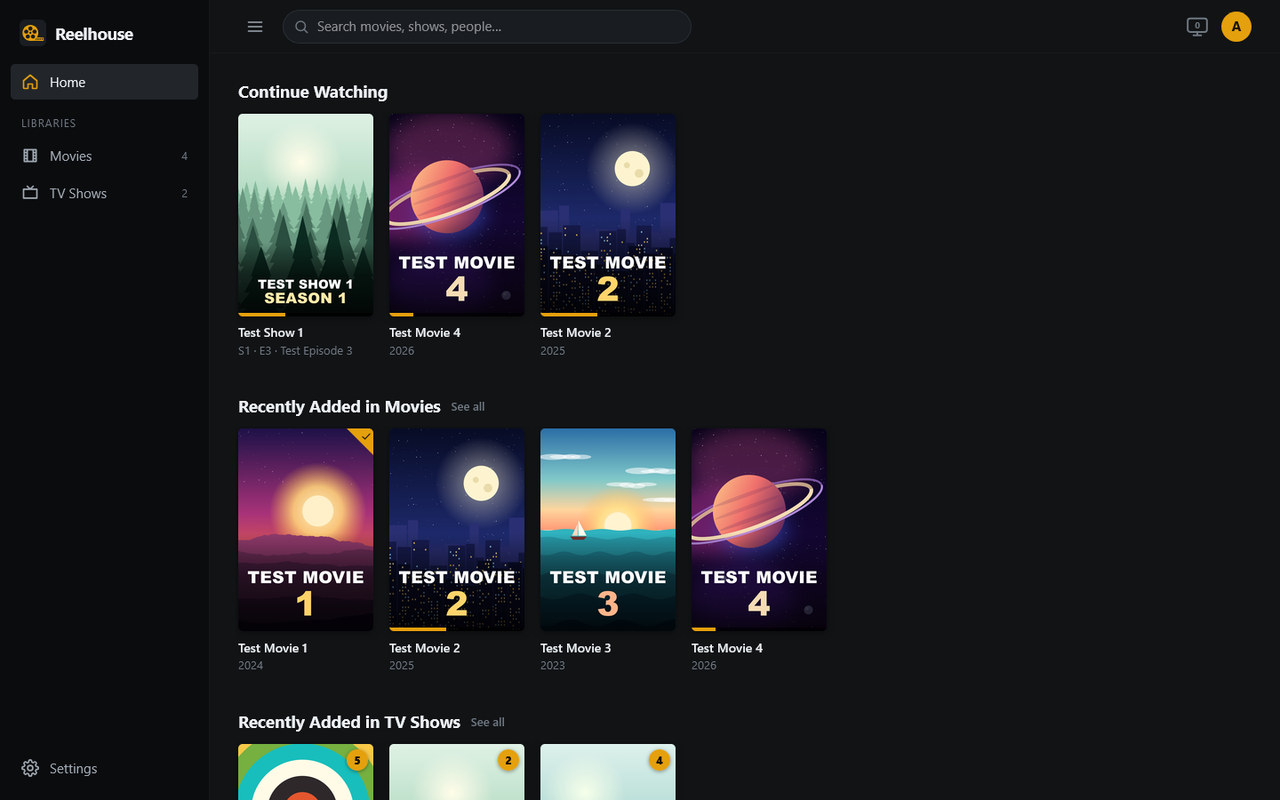
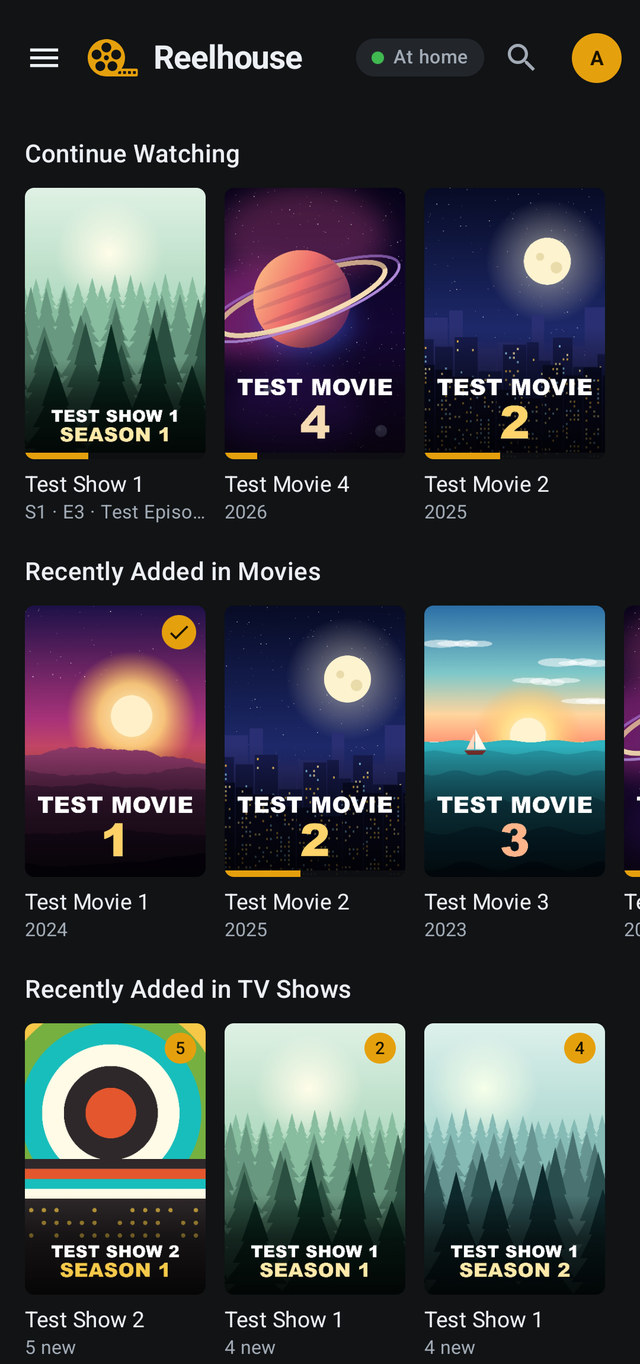
The screenshots show made-up test films and shows.
Point Reelhouse at your Movies and TV folders, and everyone at home gets a library that looks after itself.
Movie and TV folders become a library with posters, descriptions, cast, seasons and episodes. Pages update by themselves when new media arrives.
Any modern browser on a phone, tablet, laptop or TV. When a device can't play a file as it is, Reelhouse converts it on the fly, with your GPU if you have one.
With Tvheadend: a TV guide, live channels in the browser and the Android app, and recordings set from the guide, one programme or a whole series.
For phones, tablets and TV boxes such as a Fire TV, driven with its remote. Download films and episodes to watch offline.
Your movies and shows in Kodi's own library, with watched marks and resume points kept in sync both ways, plus Reelhouse's own screens in Kodi.
A WireGuard VPN with QR codes for phones, free HTTPS certificates for a web address, and a tunnel built in for the Android app.
Everyone gets their own watch history, Continue Watching and library access. Admins choose who sees what, and on how many devices at once.
Anyone can ask for a film that isn't on the server yet, and see what everyone else has asked for.
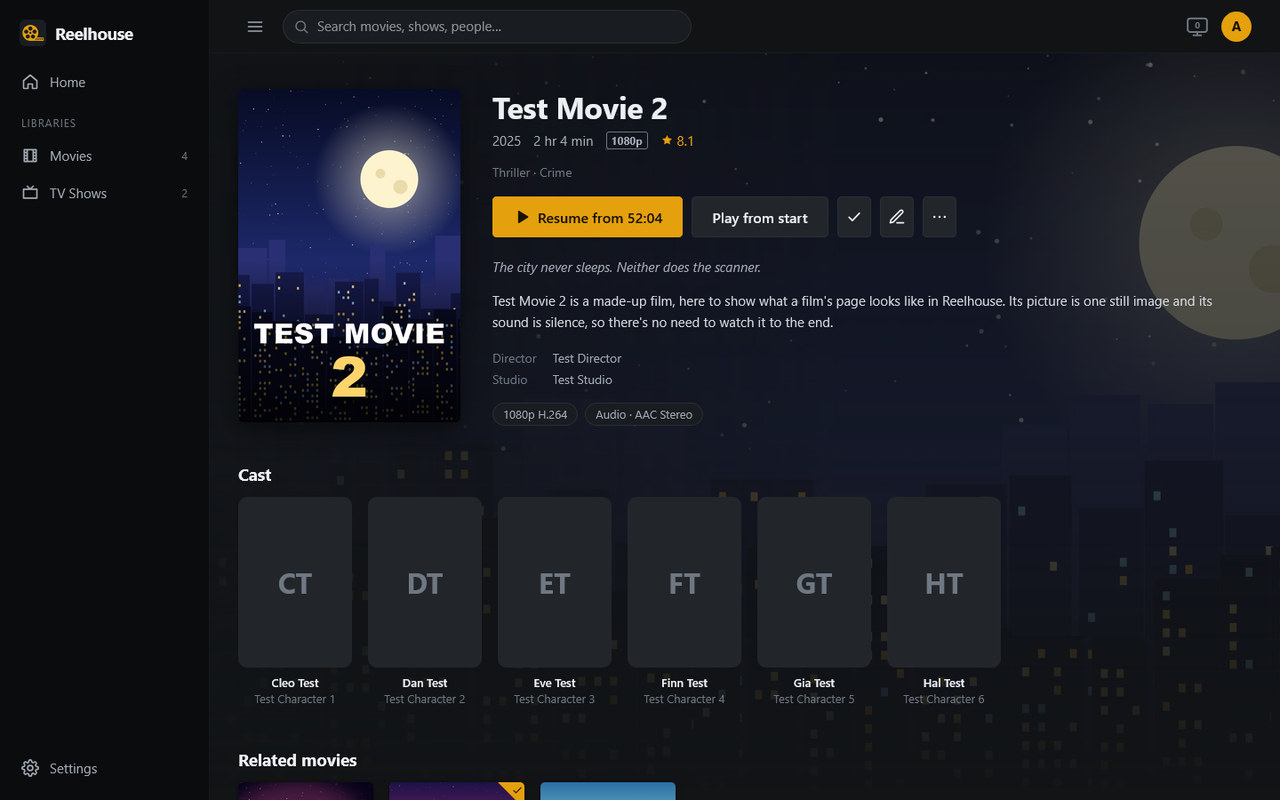
Carry on where you stopped, see who's in it and what else of theirs you have, and find related titles from your own library.
.srt, .ass and .vtt filesAt home, or away through the VPN, the app's own tunnel or your server's web address.
Built in. Open your server's address on a laptop, phone, tablet or smart TV, and sign in.
Phones, tablets and TV boxes with Android 7.1 or newer. Pair it by scanning a QR code; your server keeps it up to date.
Version 0.13.1, 36 MB · all releases. Coming to Google Play.
For Kodi 21. Your server offers the add-on at /kodi/, with the steps to install it in its
settings.
A Reelhouse server with a few freely licensed films from the Blender Foundation. Look around and play something, in your browser or in the Android app.
In the Android app, tap Sign in with a password instead and enter the address, username and password shown here.
Everyone shares this account, and it's put back as it was every night. Live TV, downloads and Requests aren't switched on in the demo.
With Docker on a 64-bit Intel or AMD computer. Reelhouse also runs straight on Windows and Linux.
docker-compose.yml
to your server, set the paths to your media folders, delete its build: . line and set its image to:
image: ghcr.io/grimreaper-byte/reelhouse:latestdocker compose up -dhttp://<your server>:8484 from a device at home. The
first visit creates your admin account, then asks for your Movies and TV folders.